These are the following steps to reset the password:
Navigate to https://www.wizardlegal.com/dashboard/login.html
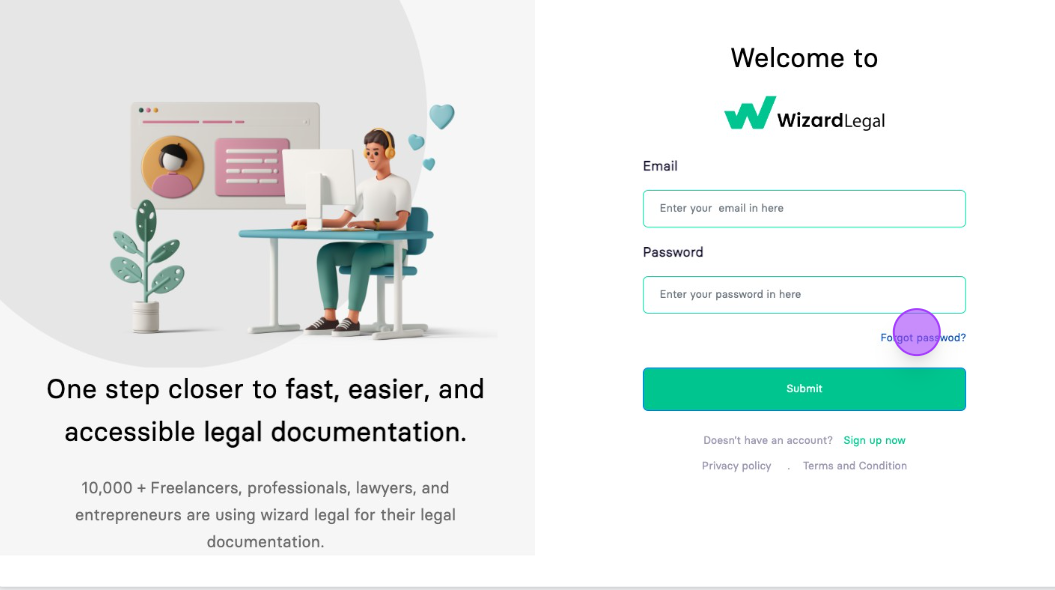
Click on "Forgot password?"
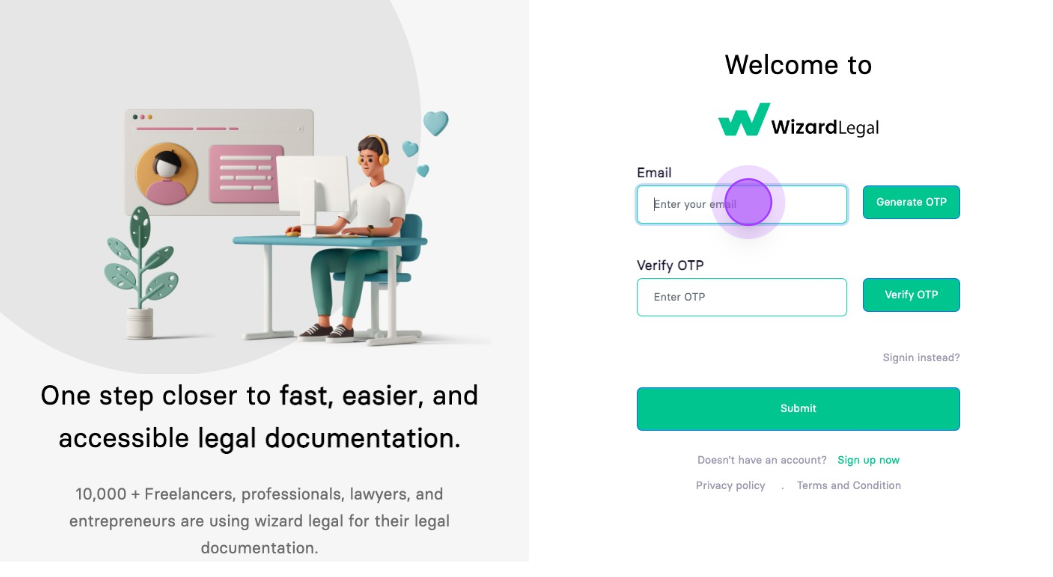
Enter Your E-mail ID
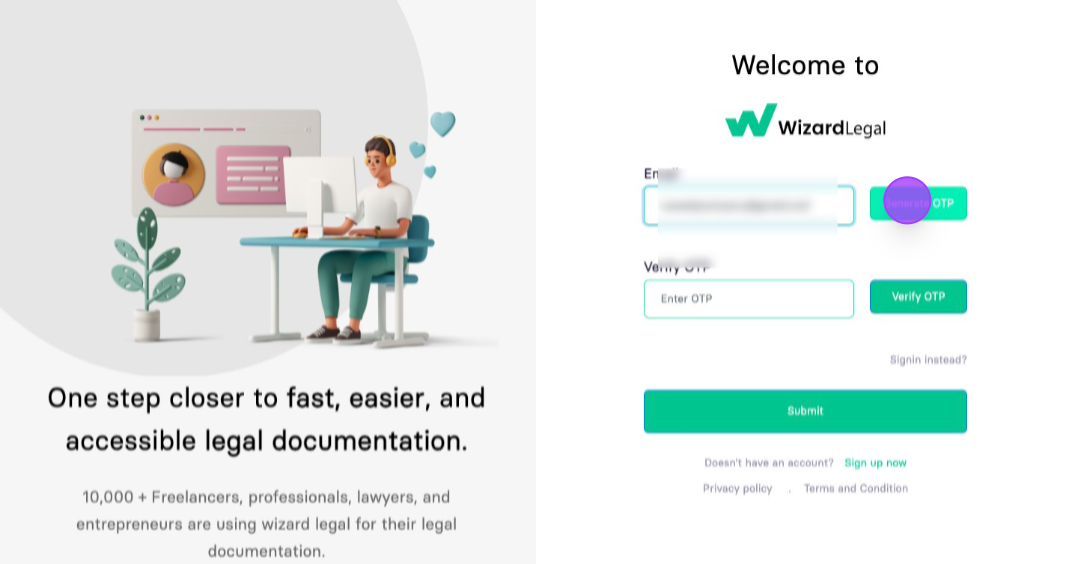
Click on "Generate OTP"
Login to your Email account and look Wizard legal email.
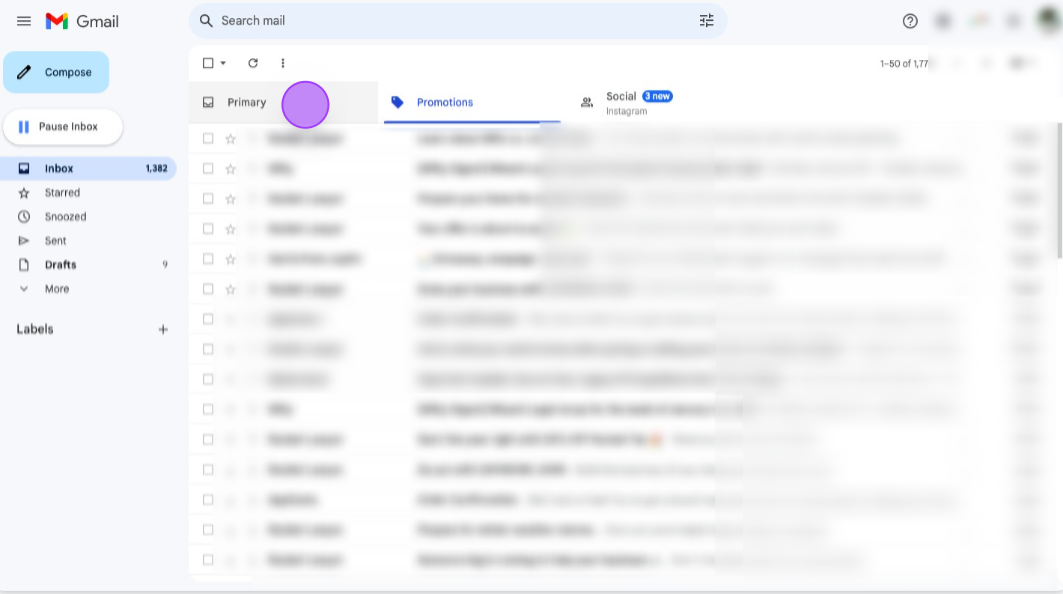
If you are not able to view it in primary section, Just search "Wizard Legal"
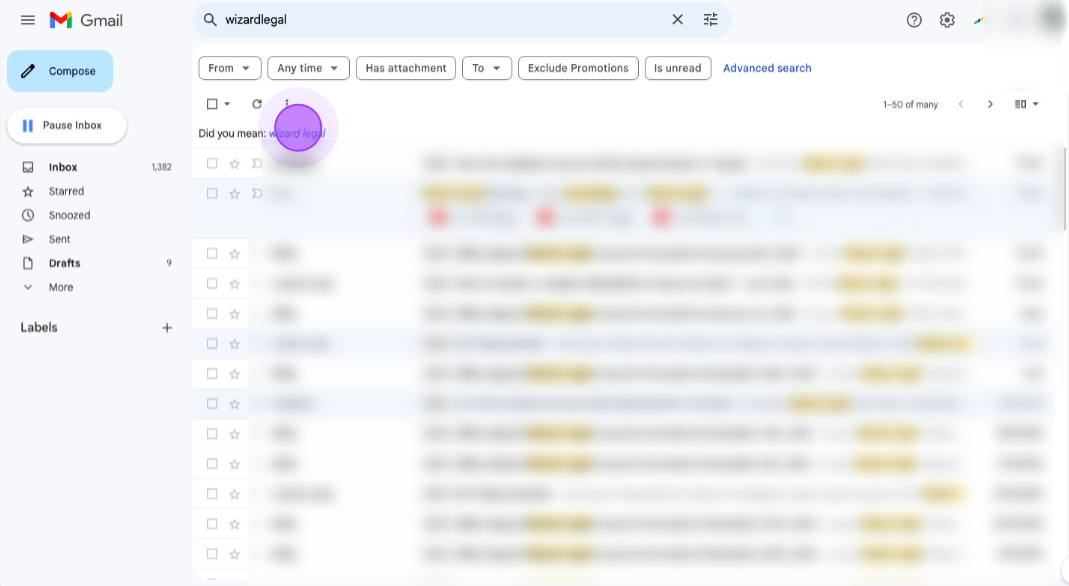
Still If you are not able to find the Email, Look into spam section.
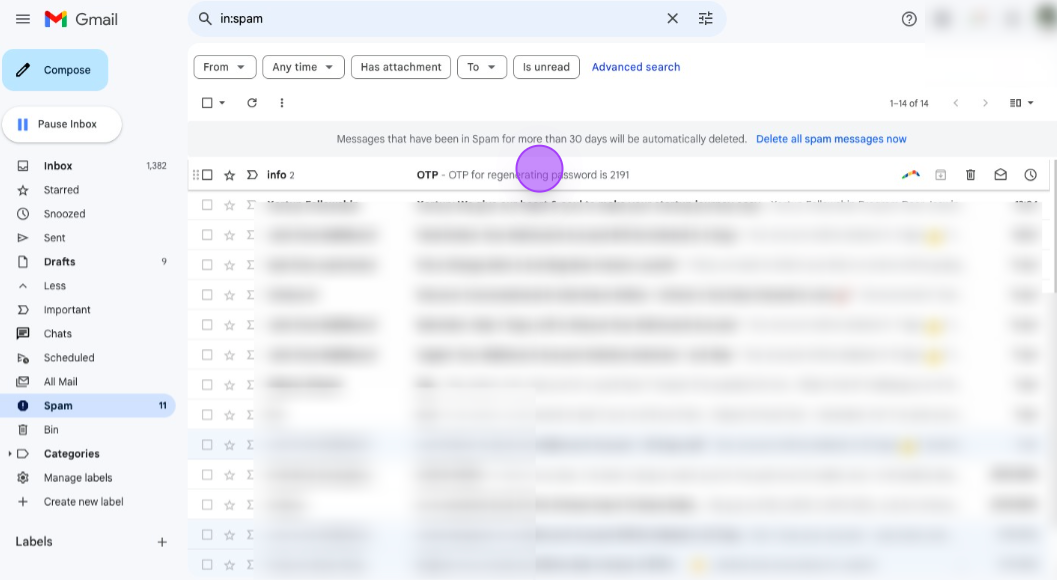
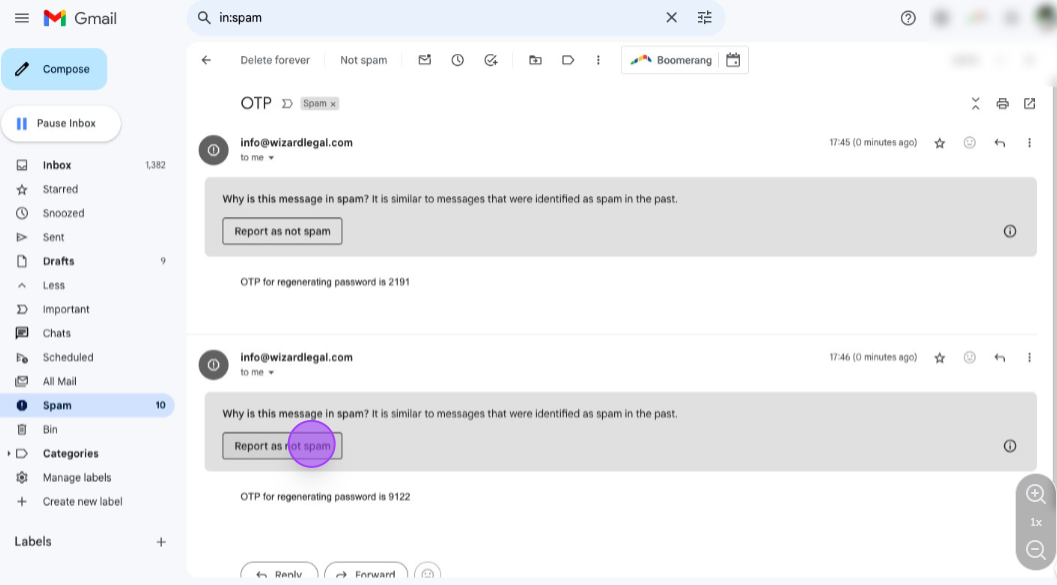
Click on "Report as not spam"
Now your mail will be appear in the primary section, so you will be easily access Wizard Legal Emails, Click on "OTP for regenerating password is **** , copy the code "
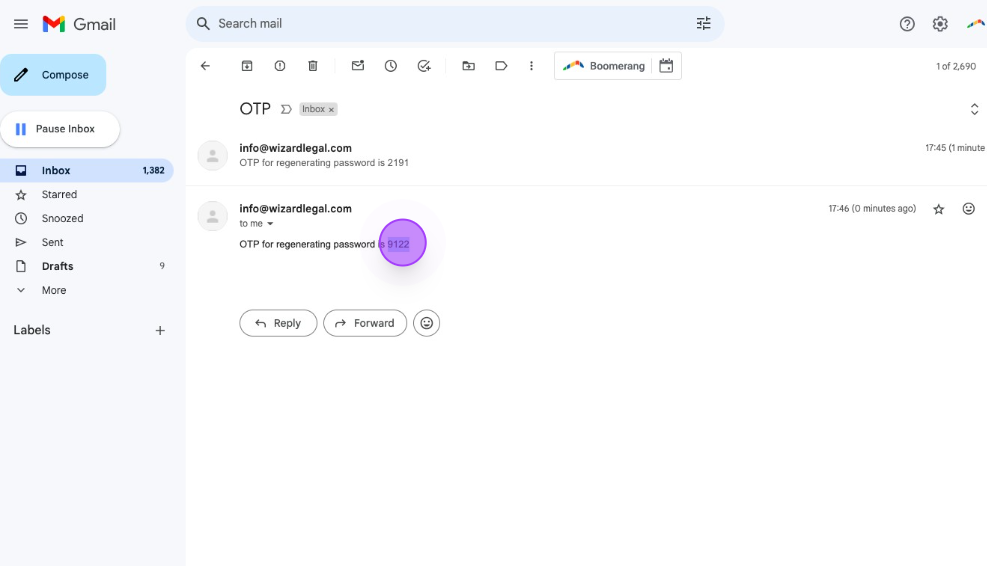
Copy the code from email and paste it here.
Now your code is verified.
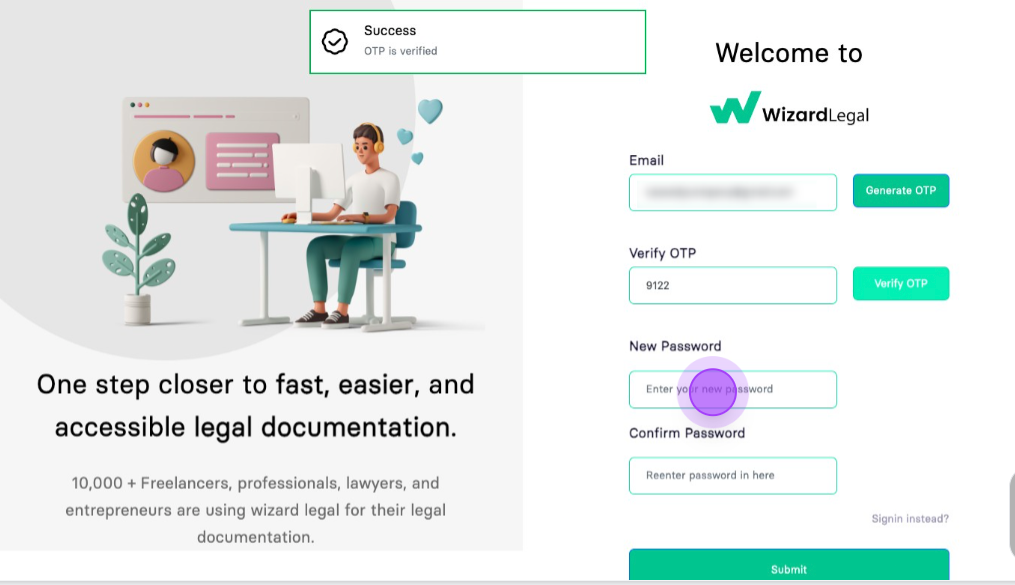
Now change your password and You will be able to access your account with your new Password.
